A Concise Guide to Shell Internals and Implementation
¶ Shell Introduction
Whether you are using a local Unix machine, Windows, or connecting to a remote server, you will open a terminal (Terminal). After you log in, the initial screen is a shell, where developers can enter commands to run programs. In a sense, when people say “using the terminal,” they often mean “using the shell,” even though those terms are not originally identical. For more details about shells, see the English Wikipedia page “C shell”.
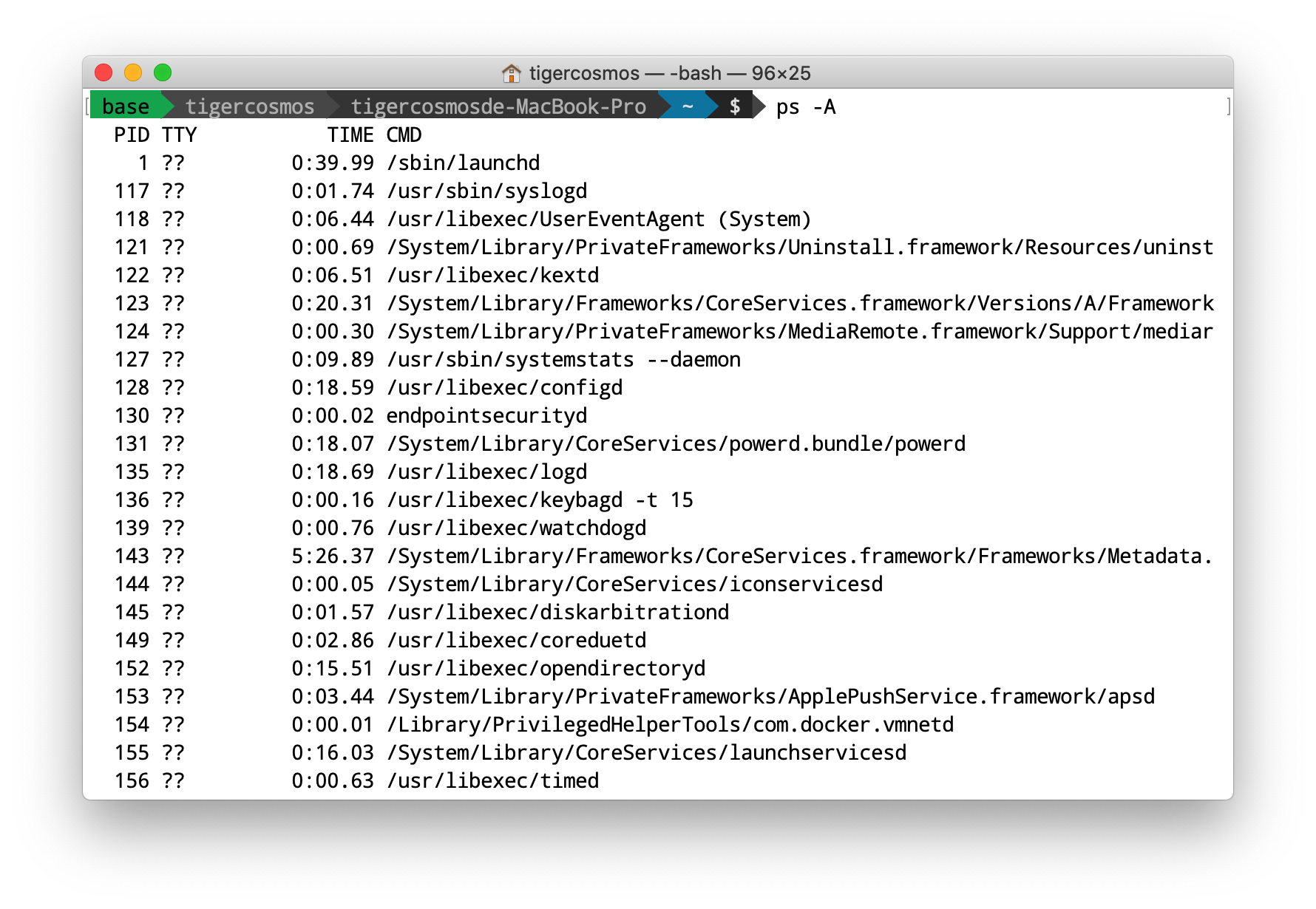
Think about what you normally do on Unix: you run commands in the terminal. For example, ls lists files in the current directory, cat prints file contents, and grep extracts matching text. Or you run other tasks such as g++ main.cc or node index.js.
One of the most powerful things about a shell is that it can solve many everyday tasks quickly. For example, if you want to check which Chrome processes are running, you can run ps au | grep chrome. Here, ps lists processes and grep extracts the lines that match chrome. The | is a pipe: A | B means sending A’s output to B; B reads from stdin and starts processing.
If you want to terminate all Chrome processes, you can run ps au | grep chrome | awk -F ' ' '{print $2}' | xargs kill. In plain terms: ps lists processes, its output is piped to grep, grep keeps the lines containing chrome, the output is piped to awk, awk extracts the second column (the process PID), then the output is piped to xargs, and xargs runs kill for each PID. As a result, all Chrome processes are killed.
As you can see, we’re doing a lot in a single line. With a general-purpose language like C++ or Python, you can’t achieve the same thing without writing dozens of lines. With a shell plus pipes, you can. If you’re interested in efficient development using shell tooling, see “打造高效的工作环境 – SHELL 篇”.
Shells provide many features, including:
- Wildcarding: for example,
rm *.cpp - I/O Redirection
>redirect stdout to a file>&redirect stdout and stderr to a file
- Command joining
A && B: run B only if A succeedsA || B: run B only if A fails
- Piping
A | B: run A and B, and B reads A’s stdoutA |& B: run A and B, and B reads A’s stdout and stderr
- Variables, simple control flow, background execution, and more.
Among these, I/O and piping are the most important. A shell is powerful because it can connect commands and build a pipeline where the input and output flow between them, so you can do complex tasks in a single line. Moreover, because the previous process’s output can be consumed directly as the next process’s input, the next process can often start working without waiting for the previous one to fully finish, which can be more efficient.
¶ How a Shell Works
So how does a shell run a program?
When the shell (pid 0) receives a command—say ls—it first fork()s a new process (pid 1). Then pid 1 calls an exec function to replace the forked shell process image with ls and execute it. Meanwhile, the shell (pid 0) uses waitpid() to wait for ls (pid 1) to finish and print output, and only then continues.
Shell:
$            # pid 0
-----------------------------------------------------
$ ls         # pid 0 fork() 出 pid 1
A B C D      # pid 1 執行 ls
-----------------------------------------------------
$            # pid 0 用 waitpid() 等 pid 1 結束才繼續
Next, you need to know the pipe() system call, which is one way for processes to communicate. When implementing a shell, you’ll need pipe() and dup2() to handle A | B. Please read these three articles first, then continue with my example below:
¶ Shell Example
Run g++ shell.cpp && ./a.out
// shell.cpp
#include <errno.h>
#include <fcntl.h>
#include <iostream>
#include <signal.h>
#include <stdio.h>
#include <sys/wait.h>
#include <unistd.h>

int main(int argc, char **argv) {

  // 處理 SIGCHLD,可以避免 Child 疆屍程序
  struct sigaction sigchld_action = {.sa_handler = SIG_DFL,
                                     .sa_flags = SA_NOCLDWAIT};

  // 原本指令 ls | cat | cat | cat | cat | cat | cat | cat | cat
  // 假設 Shell 已經將指令 Parse 好

  char **cmds[9];

  char *p1_args[] = {"ls", NULL};
  cmds[0] = p1_args;

  char *p2_args[] = {"cat", NULL}; // 只是 DEMO,所以重複利用
  for (int i = 1; i < 9; i++)
    cmds[i] = p2_args;

  int pipes[16]; // 需要共 8 條 pipe
  for (int i = 0; i < 8; i++)
    pipe(pipes + i * 2); // 建立 i-th pipe

  pid_t pid;

  for (int i = 0; i < 9; i++) {

    pid = fork();
    if (pid == 0) { // Child
      // 讀取端
      if (i != 0) {
        // 用 dup2 將 pipe 讀取端取代成 stdin
        dup2(pipes[(i - 1) * 2], STDIN_FILENO);
      }

      // 用 dup2 將 pipe 寫入端取代成 stdout
      if (i != 8) {
        dup2(pipes[i * 2 + 1], STDOUT_FILENO);
      }

      // 關掉之前一次打開的
      for (int j = 0; j < 16; j++) {
        close(pipes[j]);
      }

      execvp(*cmds[i], cmds[i]);

      // execvp 正確執行的話,程式不會繼續到這裡
      fprintf(stderr, "Cannot run %s\n", *cmds[i]);

    } else { // Parent
      printf("- fork %d\n", pid);

      if (i != 0) {
        close(pipes[(i - 1) * 2]);     // 前一個的寫
        close(pipes[(i - 1) * 2 + 1]); // 當前的讀
      }
    }
  }

  waitpid(pid, NULL, 0); // 等最後一個指令結束

  std::cout << "===" << std::endl;
  std::cout << "All done." << std::endl;
}
The output looks like this:
$ g++ shell.cpp && ./a.out
- fork 8244
- fork 8245
- fork 8246
- fork 8247
- fork 8248
- fork 8249
- fork 8250
- fork 8251
- fork 8252
FILE_A
FILE_B
FILE_C
===
All done.
