Code makes the world a better place

A Detailed Guide to the Unix/Linux `top` Command

TOP Overview

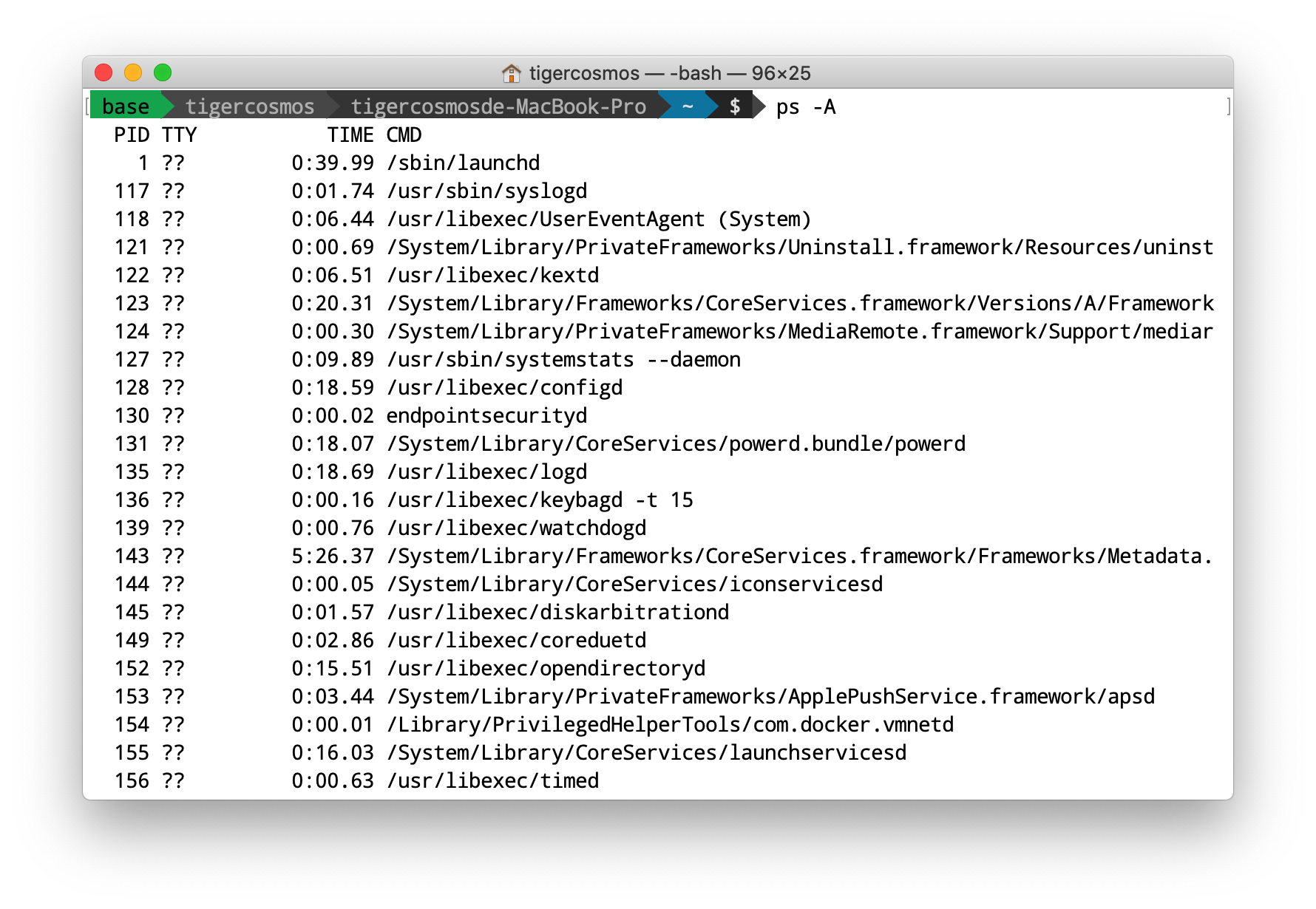
The top command is one of the most fundamental tools on Unix/Linux. It is similar to Windows Task Manager and lets you monitor the execution status of currently running programs. top is also one of the simplest ways to monitor a program: you can use it to observe how much memory and CPU a program consumes, along with many other details. There are many similar tools (such as htop and gtop) which are extended versions. If you’re interested, you can look them up, but for basic needs, top is more than sufficient.
Continue reading

Configure DNS on Linux/Unix from the Command Line

Here’s what happened: starting yesterday, a machine in my lab suddenly couldn’t access the Internet. I usually use that machine as a proxy, because sometimes I need an NCTU IP address for looking up papers. At first I thought Squid was broken, so I spent a long time tweaking the configuration—only to realize the issue didn’t seem to be Squid. Then I was shocked to find that I could SSH into the machine, but it couldn’t connect outbound.

Continue reading

A Concise Guide to Shell Internals and Implementation

Shell Introduction

Whether you are using a local Unix machine, Windows, or connecting to a remote server, you will open a terminal (Terminal). After you log in, the initial screen is a shell, where developers can enter commands to run programs. In a sense, when people say “using the terminal,” they often mean “using the shell,” even though those terms are not originally identical. For more details about shells, see the English Wikipedia page “C shell”.

Continue reading

An Example of Signals with `sigaction` on Unix

There are many ways for processes to communicate on Unix. This post introduces a simple way to use signals. You can first read Beej’s introduction. As the name suggests, a signal is a notification sent and received by processes. For example, when you use a shell, Ctrl-C can interrupt a program because the shell catches the SIGINT signal triggered by Ctrl-C, recognizes it as an interrupt signal, and terminates the program.

To send signals, you can use sigaction() or signal(). I recommend sigaction because it’s newer. For a detailed comparison, see the Stack Overflow thread “What is the difference between sigaction and signal?”.

If you want to trigger a signal, you can use kill() or sigqueue(). The difference is that the latter is Linux-only, but it lets you attach additional information via siginfo. In addition, some system calls can trigger signals as well. For example, if you try to send() to a non-existent socket, you’ll get a SIGPIPE.

Continue reading

Using `mmap` to Create Shared Objects

When you have many processes and want to implement shared memory to handle shared data, you can use shared memory to build the solution. To create shared memory, you can use mmap or System V shmget. However, according to the Stack Overflow answer “(How to use shared memory with Linux in C)”, shmget is somewhat outdated, while mmap is newer and more flexible.

Shared memory allows us to create a region of memory that can be shared. mmap returns a pointer to that region, with type void *. If we want to put data into it, we can use memcpy to copy objects, strings, or anything else into the shared region. We can also cast the void * directly to an object pointer—this way we create a shared object, and different processes can access the object directly.

Continue reading
  • Page 1 of 1